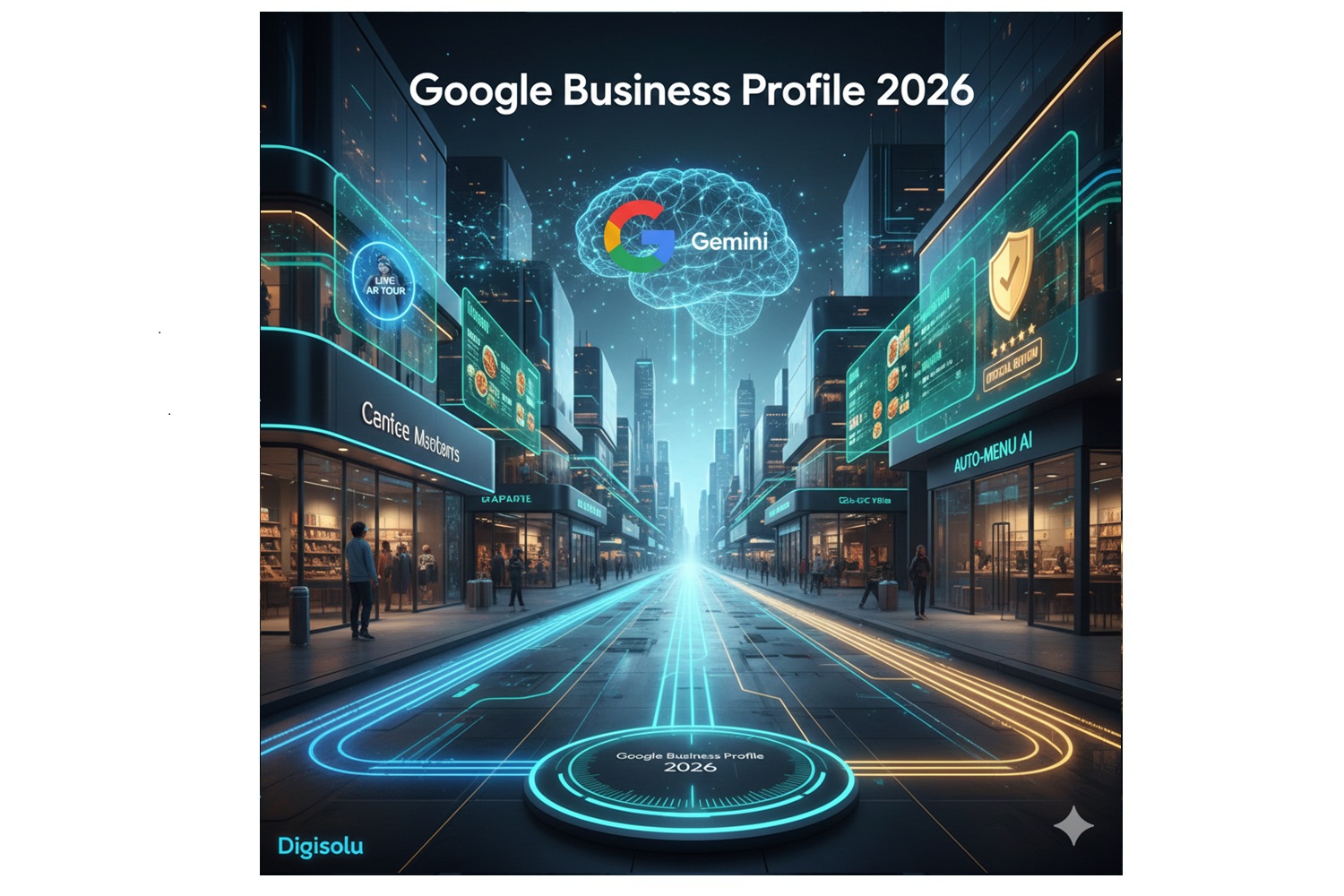
Want to listen to what’s in the article? You can on Digisolu podcast on Youtube We are happy that this podcast 🌍Google Business Profile in 2026 the AI era is translated into 19 world languages I’d love to hear your opinion – leave a comment Youtube… what do you think? Thanks!💙
Google Business Profile in 2026: The AI Era
In 2026, Google Business Profile (GBP) will be pivotal for local marketing, powered by artificial intelligence. Google will transform from a search engine into an “answer engine.” The Business Profile will serve as the main data source for AI Overviews and the Gemini assistant.
Key Innovations and Features for 2026
AI Automation of Routine Tasks
Automated Answers to FAQs: Google will use AI to create answers to frequent customer inquiries. It draws information from the website and reviews. Business owners can review them before publishing.
Digitization of Menus and Services: Artificial intelligence will automatically convert uploaded photos or PDFs of menus and price lists into a structured format within the profile.
Visual and Interactive Content
AR Store Tours: Augmented Reality (AR) will allow customers to virtually peek into business premises directly from search results. Your Business Profile Google can now have a 360 virtual tour
Emphasis on Video: Video content will gain a dominant position in profiles, including improved tools for video verification of the business.
Review Management and Trustworthiness
Response Approval Process: Owner responses to reviews are now perceived as having „official status“ and may undergo moderation (ranging from 10 minutes to 30 days) to ensure compliance with content rules.
Advanced Fake Review Detection: Google is deploying stricter algorithms to detect fraudulent ratings and simplifying the process of disputing them.
New Attributes and Integrations
Transparency Attributes: Businesses can highlight their practices regarding sustainability, accessibility, or specific service guarantees directly in the profile.
E-commerce Connection: Closer integration with booking systems and direct purchases (food ordering, service reservations).
A little caffeine break for the author?
Do you like this article and feel it saved you hours of fumbling with settings? My keyboard runs exclusively on caffeine power, and your support keeps the engine running!
If you want to support the creation of more guides or simply send me a „digital tip“ for a coffee, you can do so by donating to the transparent bank account Fio 2602098198/2010 IBAN: CZ07 2010 0000 0026 0209 8198 BIC/SWIFT: FIOBCZPPXXX
QR code works in your bank’s app
Your karma (and my french press) will be immensely grateful!🌍
Optimization Trends in 2026
To succeed in this competition, it is not enough to just follow trends, but to have the basics mastered 100%.
Popularity as a Ranking Factor: Google tracks interactions – how often people visit the profile, read reviews, or click on the website.
Structured Data for AI: To appear in Gemini AI overviews, the profile must be completely filled out (name, address, phone) and regularly updated.
Posting Regularity: It is recommended to publish 1–2 posts per week (news, events) to keep the profile active.
End of Old Chat: Classic chat functions and call history in GBP are replaced by newer business messaging systems supported by AI chatbots.
What This Means for Businesses:
Visual Content: Invest in photos and videos.
Data Accuracy: Keep business information always up to date, as outdated data will remove you from relevance.
Active Review Management: Respond to reviews and use them to gain insights.
Use of New Attributes: Add information about sustainability and accessibility.
What is Augmented Reality (AR) and how does it differ from Google 360° Virtual Tours?
Augmented Reality (AR) and 360° virtual tours (often associated with Google Street View) are two distinct technologies that are often confused, as both change the way we see the world through a screen.
How it works:
The application recognizes the space around you (floor, table, face) and „pins“ a digital object onto it. When you move your phone, the object stays in place as if it were actually there.
Examples:
Games: Games where you see creatures on the sidewalk in front of you.
Instagram/TikTok Filters: When you put on virtual dog ears or glasses.
IKEA Place: An app where you point your phone at an empty corner in your living room and insert a virtual chair to see if it fits.
Google Maps Live View: Navigation arrows that float directly over the street you see through your camera.
2. What is a Google 360° Virtual Tour?
A 360° virtual tour (e.g., Google Street View) is a technology that allows you to view a recorded (static) image of a location.
It is not a view of reality happening right now. You are looking at a spherical photograph (a globe) that was taken in the past. You are „inside“ the photo and can look up, down, and to the sides.
How it works:
A special camera captures the space in all directions at once. Software then stitches these photos together. You then swipe the image on your computer or mobile phone and „travel“ by jumping from one point to another.
Examples:
Tours of restaurant or hotel interiors on Google Maps.
Virtual walks through a museum.
The classic „Pegman“ Street View on Google Maps.
Augmented Reality (AR) brings virtual things into your living room (via your mobile camera), while a 360° tour virtually transports you to another place (through static photos).
Tento web používá soubory cookie ke zlepšení vašeho zážitku při procházení webem. Z nich se ve vašem prohlížeči ukládají soubory cookie, které jsou kategorizovány podle potřeby, protože jsou nezbytné pro fungování základních funkcí webu. Používáme také soubory cookie třetích stran, které nám pomáhají analyzovat a porozumět tomu, jak tento web používáte. Tyto cookies budou uloženy ve vašem prohlížeči pouze s vaším souhlasem. Máte také možnost odhlásit se z těchto souborů cookie. Ale odhlášení některých z těchto souborů cookie může ovlivnit váš zážitek z prohlížení.
Nezbytné soubory cookie jsou naprosto nezbytné pro správné fungování webu. Tato kategorie zahrnuje pouze soubory cookie, které zajišťují základní funkce a bezpečnostní prvky webu. Tyto soubory cookie neukládají žádné osobní údaje.
Jakékoli soubory cookie, které nemusí být zvláště nutné pro fungování webu a používají se konkrétně ke shromažďování osobních údajů uživatelů prostřednictvím analýz, reklam a jiného vloženého obsahu, se označují jako nepotřebné soubory cookie. Před spuštěním těchto souborů cookie na vašem webu je povinné získat souhlas uživatele.