Google Business Profile Management: Why and How to Use an Agency Account?
Imagine your Google Business Profile as the digital keys to your apartment or business.
If you simply „lend“ these keys to someone’s private email, you lose control over who else can make a copy.
Professional management via an agency account is transparent, secure, and fully under your control.
1. Role Comparison: Who Has What Permissions?
Proper setup begins with understanding the user hierarchy.
Google distinguishes these basic levels:
Primary Owner: Has absolute control, can delete the profile, and is the only one who can transfer primary ownership to another user.
Owner: Can edit information, add and remove users, but cannot remove themselves until primary ownership is transferred.
Manager: Can edit information and respond to reviews, but cannot add users or delete the profile.
Key rule: As a business owner, you should always remain the primary owner.
It is recommended to grant the agency the Manager role, which is sufficient for 99% of marketing tasks.
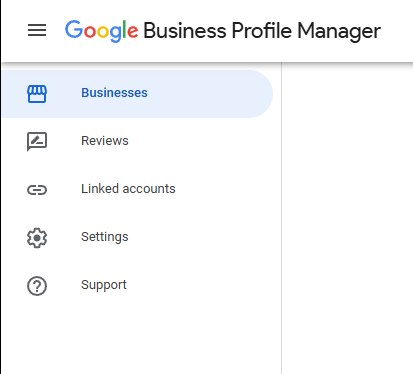
Google Business Profile Manager – Gmail account
2. Benefits of Management via an Agency Account
Transferring the profile under an agency organization brings significant benefits:
Maximum security: You do not share any passwords.
You grant access to the agency via their unique numeric organization ID.
Audit trail and credibility: Agency accounts have a higher level of credibility in the eyes of Google due to their history of management and auditing.
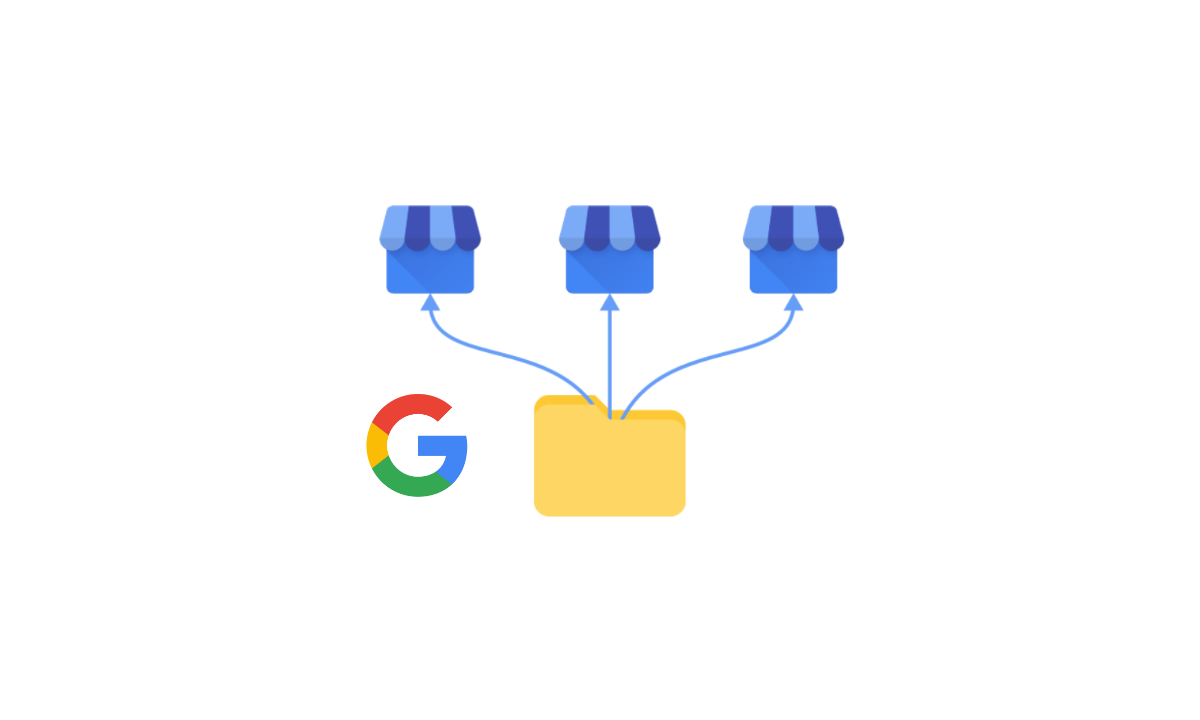
Efficiency for multiple branches: If you have multiple locations (over 10 branches), the agency can manage them in bulk and automatically.
Protection upon employee departure: If a specialist leaves the agency, the agency revokes their access internally, and your profile remains safe without you having to deal with it.
Block prevention: If a manager’s private Gmail is blocked due to another risky client, the entire account goes into suspension.
The agency solution minimizes this risk.
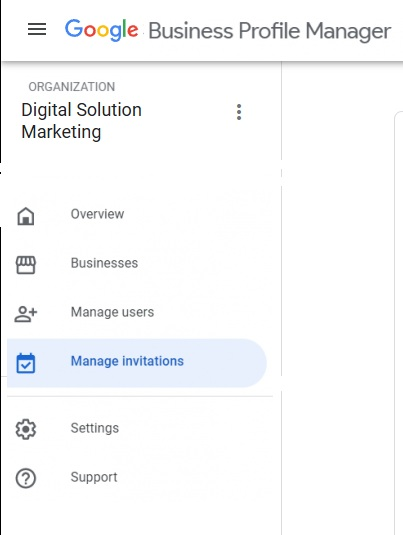
Google Business Profile Manager – Agency account
A little caffeine break for the author?
Do you like this article and feel it saved you hours of fumbling with settings? My keyboard runs exclusively on caffeine power, and your support keeps the engine running!
If you want to support the creation of more guides or simply send me a „digital tip“ for a coffee, you can do so by donating to the transparent bank account Fio 2602098198/2010
IBAN: CZ07 2010 0000 0026 0209 8198
BIC/SWIFT: FIOBCZPPXXX
QR code works in your bank’s app
Your karma (and my french press) will be immensely grateful!🌍
3. Process of Transferring the Profile to an Agency
The process is simple and takes only a few minutes:
Get the ID: Ask the agency for their location group/organization ID.
Enter settings: In your Business Profile, click the three dots (Business Profile Settings) -> People and access.
Invite the agency: Click „Add“ and paste the received numeric code (ID) instead of an email.
Choose a role: Select a role (usually Manager) and confirm the invitation.
Beware of the waiting period: For security reasons, Google imposes a 7-day waiting period for new owners and managers.
During this time, the system will not allow the new manager to perform sensitive operations, such as deleting a profile or removing users.
4. What to Watch Out For (Security Warnings)
When choosing a management partner, be cautious of unfair practices:
Too rapid changes: A quality agency proceeds with optimization carefully and slowly.
If too many changes are made at once, the profile can fall into a spam filter and go into suspension.
Profile ownership: Never let an agency create a profile purely under their account.
The profile must belong to you, and a good agency only takes the manager role.
Want to listen to what’s in the article? You can on Digisolu podcast on Youtube We are happy that this podcast 🌍 Securing your Google Business Profile ownership is translated into … 10 world languages I’d love to hear your opinion – leave a comment Youtube… what do you think? Thanks!💙
Digisolu’s Offer
Do you want to make sure your business profile on Google Maps is safe and looks great even in 2026?
Do you have an agency and don’t yet have an agency account to manage your clients‘ Google business profiles?
We will gladly help you set everything up to the highest standard.
Tento web používá soubory cookie ke zlepšení vašeho zážitku při procházení webem. Z nich se ve vašem prohlížeči ukládají soubory cookie, které jsou kategorizovány podle potřeby, protože jsou nezbytné pro fungování základních funkcí webu. Používáme také soubory cookie třetích stran, které nám pomáhají analyzovat a porozumět tomu, jak tento web používáte. Tyto cookies budou uloženy ve vašem prohlížeči pouze s vaším souhlasem. Máte také možnost odhlásit se z těchto souborů cookie. Ale odhlášení některých z těchto souborů cookie může ovlivnit váš zážitek z prohlížení.
Nezbytné soubory cookie jsou naprosto nezbytné pro správné fungování webu. Tato kategorie zahrnuje pouze soubory cookie, které zajišťují základní funkce a bezpečnostní prvky webu. Tyto soubory cookie neukládají žádné osobní údaje.
Jakékoli soubory cookie, které nemusí být zvláště nutné pro fungování webu a používají se konkrétně ke shromažďování osobních údajů uživatelů prostřednictvím analýz, reklam a jiného vloženého obsahu, se označují jako nepotřebné soubory cookie. Před spuštěním těchto souborů cookie na vašem webu je povinné získat souhlas uživatele.
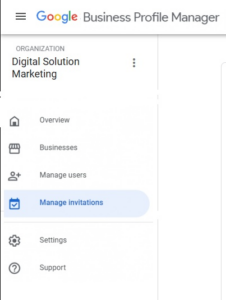 Google Business Profile Manager – Agency account